 01
01Speaker cleaning
Choose an intensity and duration, play sound waves, then listen to your speaker afterward. Results vary with device condition.
A little care. A better listening experience.
Speaker cleaning, tone controls, sound-level measurement and stereo checks. Your everyday sound toolkit, in one place.
Made for iPhone
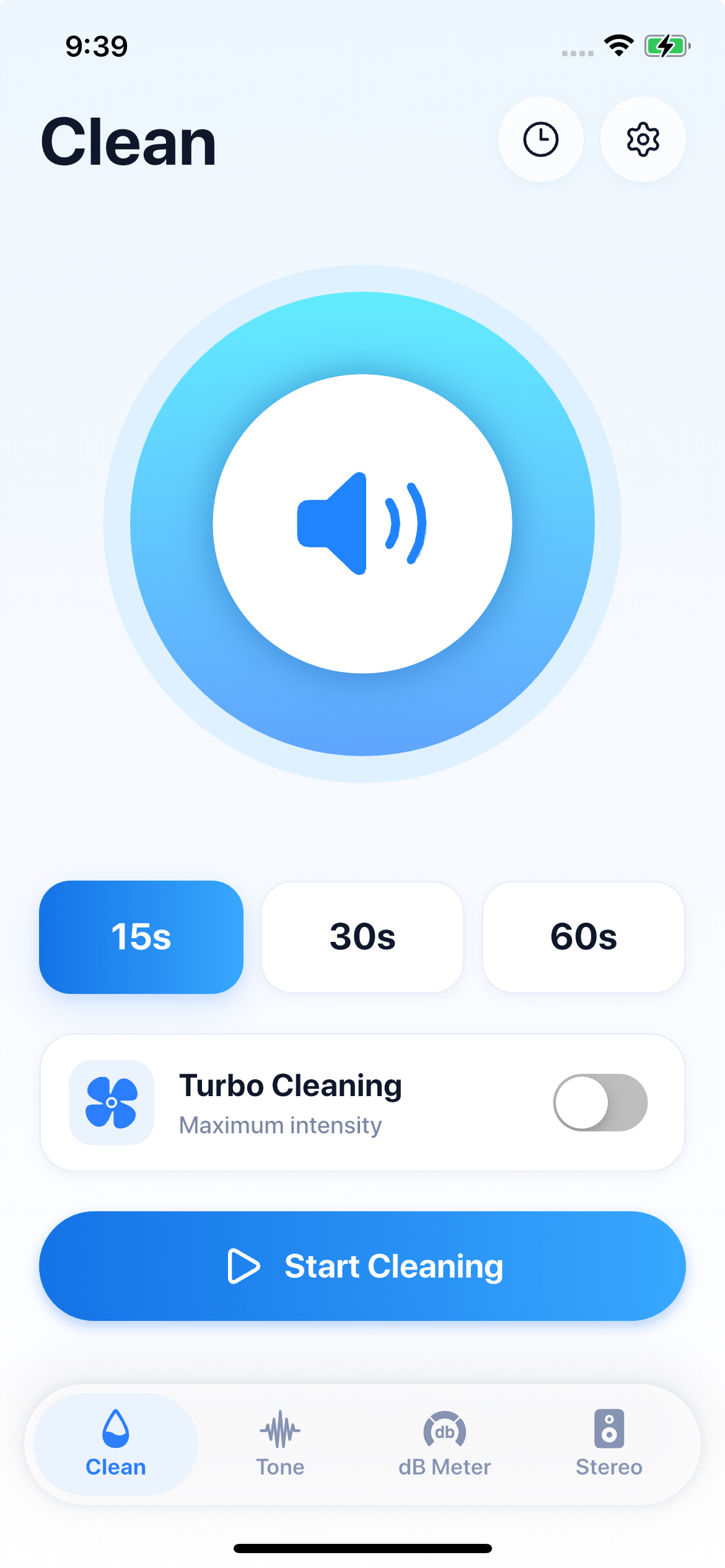
App screenshot · Not a live measurement
Thoughtful tools. Straightforward controls.
01Choose an intensity and duration, play sound waves, then listen to your speaker afterward. Results vary with device condition.
 02
02Adjust frequency and playback settings to explore different tones.
 03
03Follow environmental sound levels, save sessions, and optionally record audio, capture sound-level photos or export reports.
 04
04Listen to the left and right channels separately to check audio output.
Pick Standard, Strong or Enhanced, then choose your duration.
Keep the device stable and use a comfortable volume. Stop if you feel discomfort.
Listen afterward. If problems persist, contact a qualified repair provider.
Sound-level readings are estimates, not occupational-safety, medical or compliance measurements. Sound playback does not guarantee dust removal, water ejection or hardware repair.
Speaker Cleaner helps remove water from your phone speaker using sound vibrations, then lets you test the speaker and use additional sound tools.
Speaker Cleaner plays sound patterns that create vibrations in the speaker, which may help move trapped water away from the speaker opening.
If you are not sure, start with Standard mode. Strong and Enhanced modes are intended for more persistent muffled sound.
Place your phone with the speaker facing downward and keep the speaker area unobstructed.
Yes. Disconnect headphones, Bluetooth speakers, and other external audio devices before cleaning.
Speaker Cleaner is designed to work within normal device audio limits. Keep the phone away from your ears while cleaning.
No. Speaker Cleaner is designed to assist with moisture around the speaker area. It cannot remove all liquid from inside the device or repair hardware damage.
There may still be moisture, residue, dust, or another speaker issue. Try another cleaning cycle, allow more drying time, and test again.
Speaker Test plays a standard test sound so you can check whether the speaker sounds clear, muffled, distorted, or too quiet.
dB Meter uses your microphone to estimate surrounding sound levels and display current, average, and peak dB values.
Your cleaning records, dB data, and recordings are stored locally on your device unless you choose to export them.

Speaker Cleaner · iOS A little more attention to the sound around you.
Contact us